

An agent defines who your robot is and what it can do. Without an agent, a robot is just hardware waiting for instructions. With an agent, it becomes a security guard, a tour guide, a friendly greeter etc.
Before you build: set up your development environment first — your IDE (VSCode, Cursor, …) connected to the robot over Remote SSH. All agent files live and run on the robot, so this is the foundation for everything that follows.

What is an Agent?

An agent is a Python class that defines three things together: the skills the robot can execute, the inputs it listens to, and the prompt that defines behavior and tone. When you activate an agent, the robot adopts that identity. The same hardware can run very different agents with distinct personalities and capabilities.

Agents as Portable Applications

Agents are designed to be shareable. Write an agent once, and anyone with an Innate robot can use it—just drop the Python file into ~/innate-os/workspace/custom_agents/. No configuration files. No complex setup. Just Python. The built-in agents come from ~/innate-os/workspace/innate_agents/ and appear on the Home screen in the Innate Controller App.

No Prompt (`empty_directive`)

The idle default — no skills, no prompt. What the robot runs when you haven’t picked an agent.

Basic Navigation (`basic_agent`)

Navigation only, with no prompt text.

Demo Agent (`demo_agent`)

Friendly interactive demo: navigation, waving, picking, and gaze.

J3SO (`j3so_directive`)

Character-style conversational agent with navigation.

Security Guard (`security_guard_agent`)

Patrol-oriented agent with navigation and email alerts.

Chess Agent (`chess_agent`)

Chess gameplay: piece manipulation, move detection, board state. Beta.

Board Calibration Agent (`board_calibration_agent`)

Guided workflow agent for chess board corner calibration.
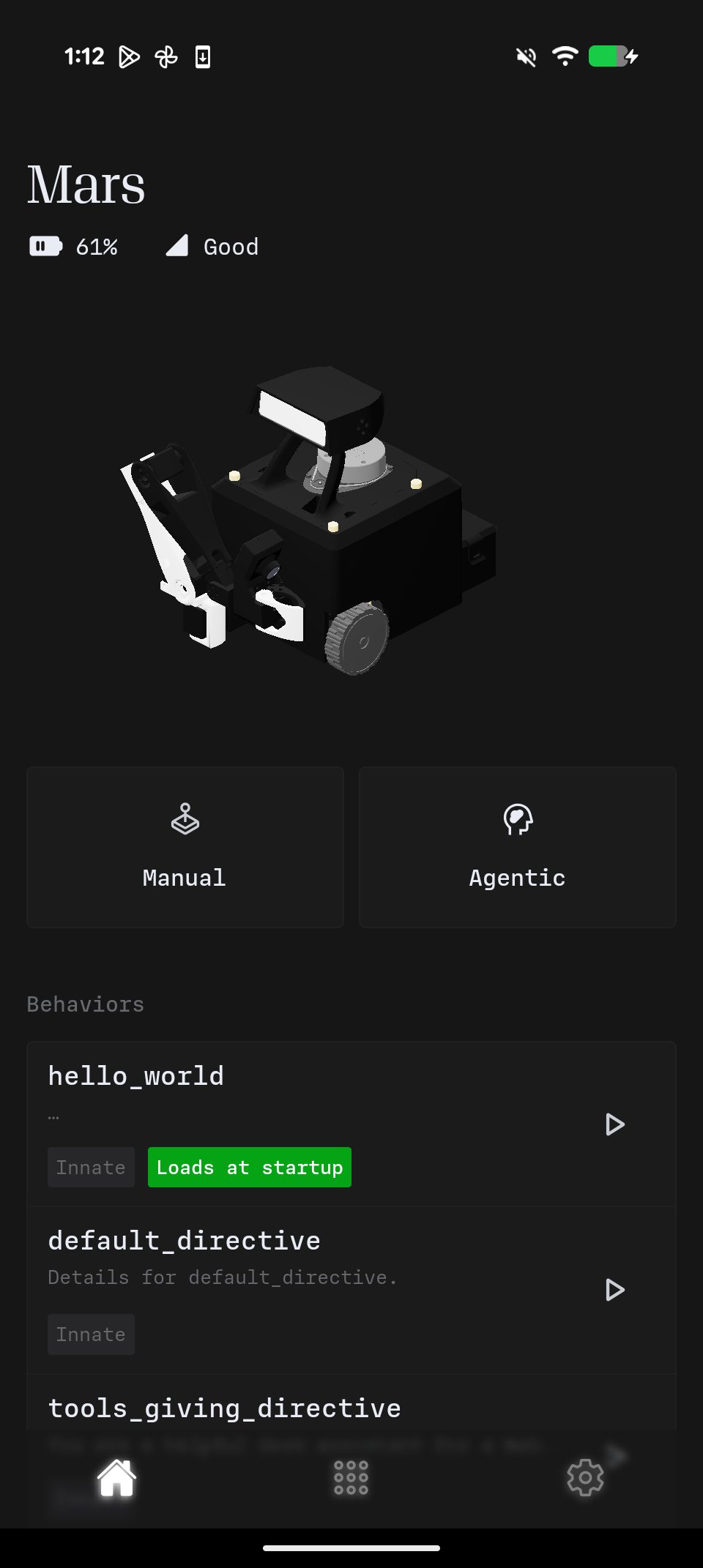
Built-in agents in the app

Chess beta guides

How an agent runs

The decision loop — the Innate agent — runs on the robot. Your agent file is what it reads to know who to be:
Every turn, the loop looks at the camera and at anything new (you spoke, a skill finished, a sensor fired), then picks an action. Your prompt tells it how to behave, your skills are the actions it can choose from, and your inputs decide what it can hear. Only the model call leaves the robot — and even that is optional. See The Innate Agent for the loop in detail.

Design Philosophy

Traditional robotics software often requires deep expertise to modify. Agents take a different approach: they’re designed to be readable and modifiable. You can look at an agent file and immediately understand what it does. You can modify it, experiment, and iterate quickly. The goal is to let you focus on building interesting robot behaviors rather than wrestling with infrastructure.