

Requires OS 0.7.0 or newer.
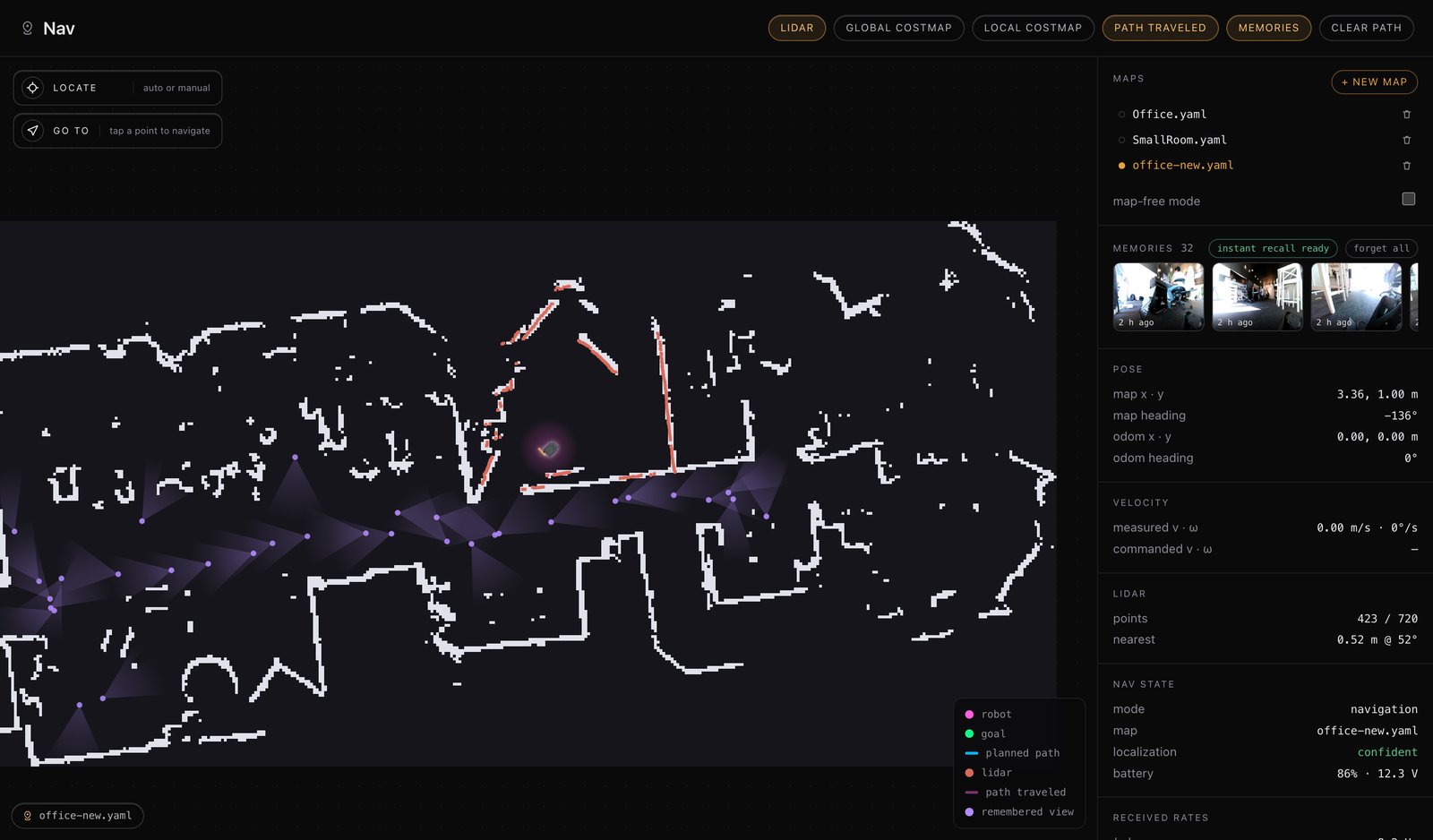
Declaring it
Like any other interface, one annotation:Searching
A search takes a while — a model is reading through a lot of pictures. Sobegin() starts it and hands you back a reader, which you wait on with self.wait_for():
self.wait_for() is what keeps Stop responsive — press it mid-search and the skill unwinds like any other. Give it a generous timeout; a well-travelled map can take a couple of minutes.
What comes back
ARecallVerdict:
found=False is not an error. It means the search worked and the answer is “nowhere” — worth saying out loud. Check error separately:
Driving to what you found
local_frame=False says.
The shipped skill
search_memory already does the basic version, in full:
image= is the useful bit: it hands the remembered photo to the agent along with the words, so it can look at what was found rather than take the sentence on faith.
(It writes its guidelines as a class docstring — the shorthand shipped skills use.)
Add it to an agent and the robot will search before claiming it hasn’t seen something: